Channel workflow

Build a calmer instagram scheduler meta workflow

An instagram scheduler meta workflow helps you move from a rough idea to a reviewed publishing plan without losing the caption, creative, timing, or approval context.

Review before publishing
Social media planning workspace ready for an Instagram content plan

Built around real Instagram routines

The right workflow changes with the person responsible for the post. These examples show where structured planning removes avoidable friction.

Solo creator

You have several ideas but need captions, visual direction, and a sensible posting order before opening Instagram.

Turn scattered notes into a short, reviewable queue that is easier to publish consistently.

post scheduler for social media
Small brand team

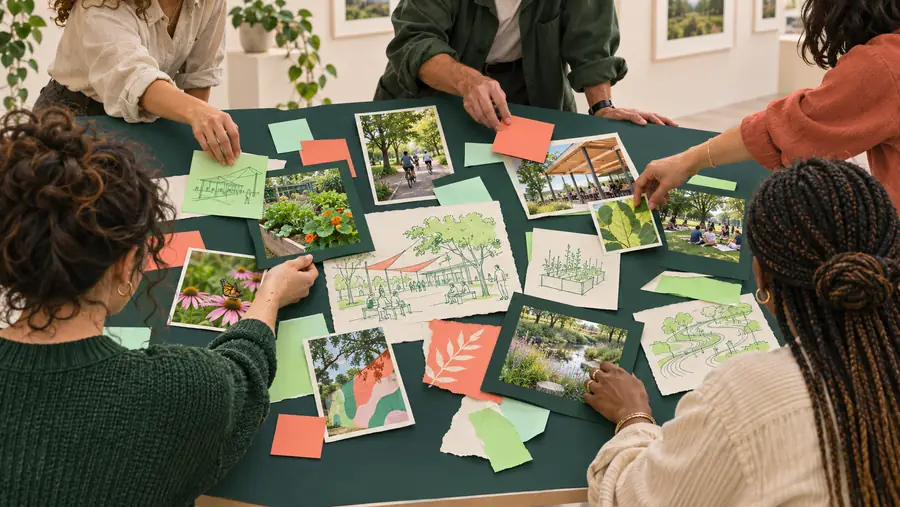
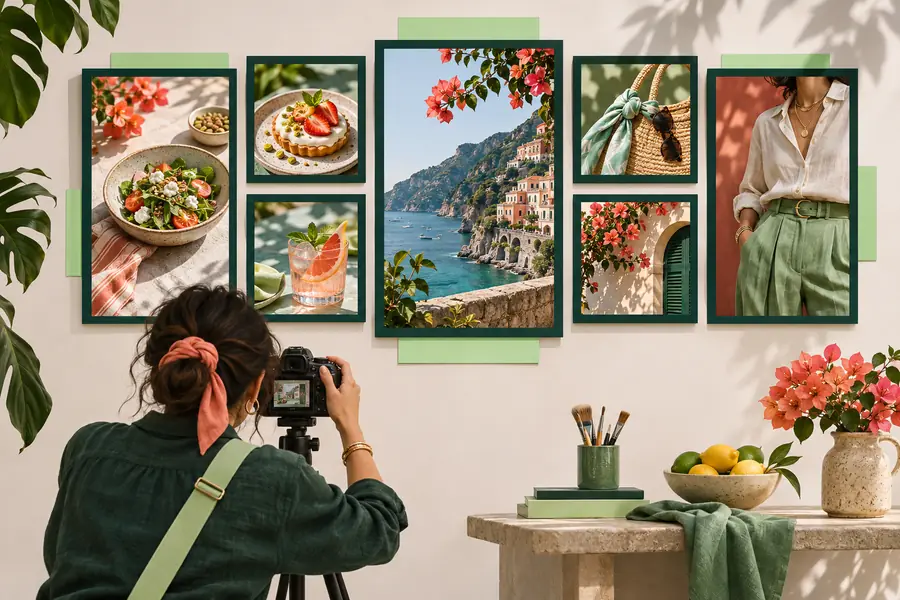
A writer, designer, and channel owner each handle a different part of the same Instagram post.

Keep the message, asset status, timing, and approval note together instead of passing them through separate chats.

post scheduler online free

Short-form video marketer

A campaign needs related posts across Instagram and TikTok without copying the same idea blindly from one channel to another.

Reuse the campaign direction while adapting the hook, format, and publishing detail for each platform.

post scheduler tiktok

From idea to publish-ready post

A dependable process separates planning from last-minute posting so each item gets a clear review before it reaches the channel.

Capture the post idea

Write the purpose, audience, offer, or story angle first. Add the intended format and any creative direction while the context is still fresh.

Shape the publishing details

Draft the caption, note the visual or video needed, choose a timing window, and record the call to action or destination.

Review and hand off

Check the wording, asset status, links, mentions, and channel fit. Then use the prepared plan as the source for the final Instagram publishing step.

Before and after a structured plan

The difference is not more content. It is the distance between an idea sitting in isolation and a post with enough context for a confident review.

Loose idea

Loose social media ideas represented in a community planning view
Organized social media publishing workflow with prepared post details
Publish-ready plan

A plan adds context before the final channel step.

Planning workflow versus last-minute posting

Meta tools and native Instagram publishing can be part of the final channel step. A dedicated planning workflow is useful earlier, when the work still needs context and review.

Postscheduler workflow Last-minute Instagram posting
1

Primary job

Postscheduler workflow

Organize the idea, copy, creative notes, and timing before publishing.

Last-minute Instagram posting

Complete the final post setup inside the social channel.

2

Caption context

Postscheduler workflow

Keeps the purpose and audience angle beside the draft.

Last-minute Instagram posting

May depend on memory, notes, or a separate document.

3

Creative status

Postscheduler workflow

Records what visual or video is needed before the post is due.

Last-minute Instagram posting

Often checked while the post is already being assembled.

4

Review point

Postscheduler workflow

Creates a deliberate checkpoint for wording, links, and channel fit.

Last-minute Instagram posting

Review happens close to the publishing moment.

5

Cross-channel reuse

Postscheduler workflow

Makes the campaign idea easier to adapt for another channel.

Last-minute Instagram posting

Usually focuses on the single post being created.

6

Final control

Postscheduler workflow

Prepares the handoff; the channel remains the place for final publishing controls.

Last-minute Instagram posting

Provides the direct native controls for the final Instagram action.

Limits and edges to plan around

A scheduler supports the work around a post, but it does not remove the responsibilities that belong to the channel owner or the platform itself.

It cannot replace Instagram access

A planning workflow can organize the post, but publishing still depends on the appropriate Instagram account, permissions, and channel process.

WorkaroundConfirm access and publishing responsibility before the campaign begins.

It cannot guarantee reach

A scheduled time or polished caption does not promise impressions, engagement, follower growth, or distribution by Instagram.

WorkaroundReview performance after publishing and adjust the next content decision.

It cannot fix unsuitable creative

A tidy queue will not make an unclear offer, weak opening, or mismatched visual relevant to the intended audience.

WorkaroundReview the first line, visual message, audience, and call to action together.

It cannot remove final review

Mentions, links, rights, sensitive claims, and current platform requirements still deserve a human check before publication.

WorkaroundKeep an explicit approval step immediately before the final channel action.

Turn Instagram ideas into a ready-to-review queue

Bring the caption direction, creative notes, timing context, and approval check into one practical workflow. Start with the next Instagram post you need to organize, then review it before the final publishing step.

  • Keep campaign context beside each post
  • Adapt ideas instead of duplicating them blindly
  • Review the final channel details before publishing

Instagram scheduler meta questions

Here are practical answers to the questions people commonly ask when comparing Meta’s Instagram publishing tools with a broader planning workflow.

It is a planning process that organizes Instagram ideas, captions, creative notes, timing, and review details before the final channel action. Meta or Instagram publishing tools may handle the last step, while the planning layer keeps the work coherent beforehand.

Meta’s publishing tools may support scheduling for eligible Instagram content and account setups, but availability and controls can depend on the account type, format, permissions, and current platform rules. Check the current options in the relevant Meta interface before promising a specific workflow.

Not necessarily. A native scheduler focuses on publishing controls inside Instagram or Meta, while a broader planning workflow can cover ideas, copy context, creative readiness, approvals, and coordination before the post reaches that final step.

Check that the caption matches the intended audience, the visual or video is ready, links and mentions are correct, and the post fits the channel and campaign. Also confirm account access, publishing permissions, timing, and any review required for claims or sensitive content.

Start scheduling
Start scheduling